Authentication, Users & Roles
How users get into the system
There is no public sign-up. Every user enters through one of two paths:
- Seed —
pnpm seedcreates the first administrator (and the system bridging identity) for the central organization on a fresh deployment. - Invitation — an administrator invites a user by email and assigns a role. The invitee opens the registration link (email pre-filled), sets a name and password, and on submit the API creates the account, generates a custody signing key, and logs them in.
Invitations are managed from the Control Panel: create, resend, and revoke. They carry a status (PENDING, ACCEPTED, EXPIRED, REVOKED) and expire after INVITATION_EXPIRY_HOURS (default 72h).
Login & tokens
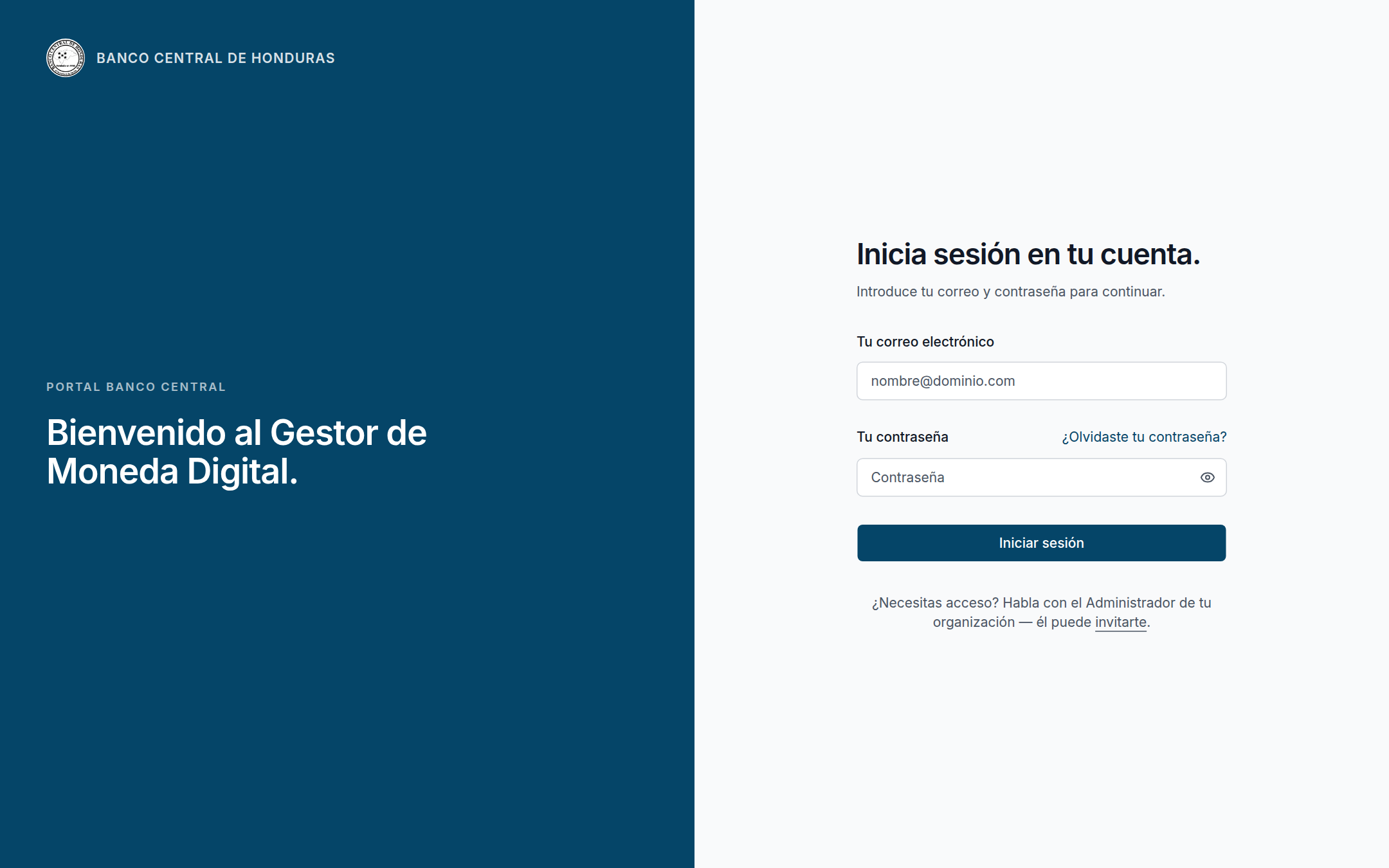 The login screen is the only public surface. The deployment localizes to its region — this Banco Central de Honduras instance renders Spanish for unauthenticated pages; the dashboard then follows each user's saved language preference.
Users authenticate with email + password (POST /api/auth/login). On success they receive:
- a short-lived access token (
JWT_ACCESS_EXPIRATION, default15m) in the response body, sent asAuthorization: Bearer …on subsequent calls; - a longer-lived refresh token (
JWT_REFRESH_EXPIRATION, default7d) set as an httpOnly cookie.
POST /api/auth/refresh reads the cookie, rotates it, and returns a new access token. Other auth endpoints: register, logout, forgot-password, reset-password (link valid for PASSWORD_RESET_EXPIRY_MINUTES, default 60), and change-password. The architecture of this flow (strategies, guards, the rotation grace window) is covered in Backend Architecture.
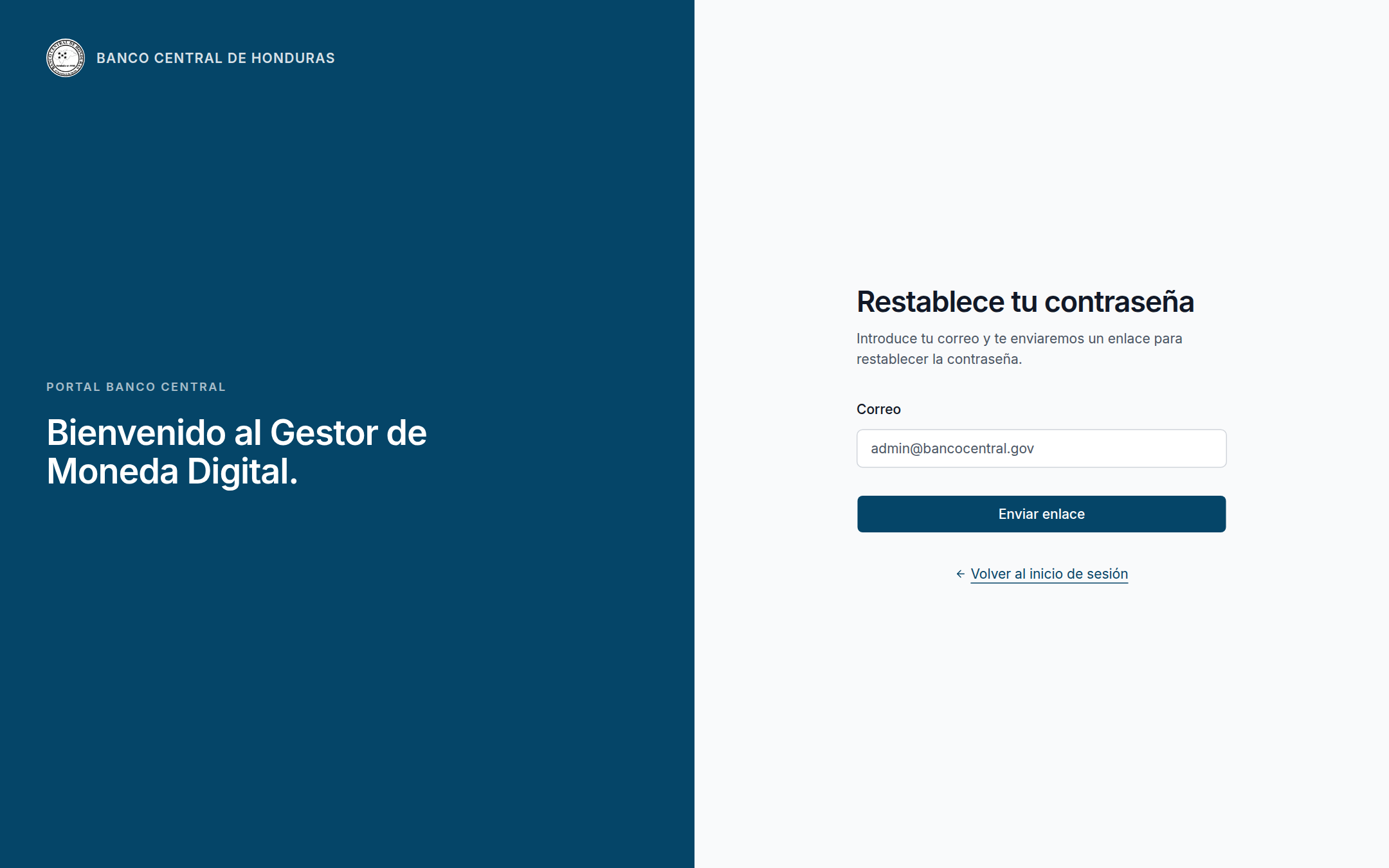 Self-service password reset emails a time-limited link; there is no public sign-up path.
Roles
Roles come from the shared Role enum (administrator, member, auditor) and drive both API guards and dashboard UI via the same CASL ability definitions.
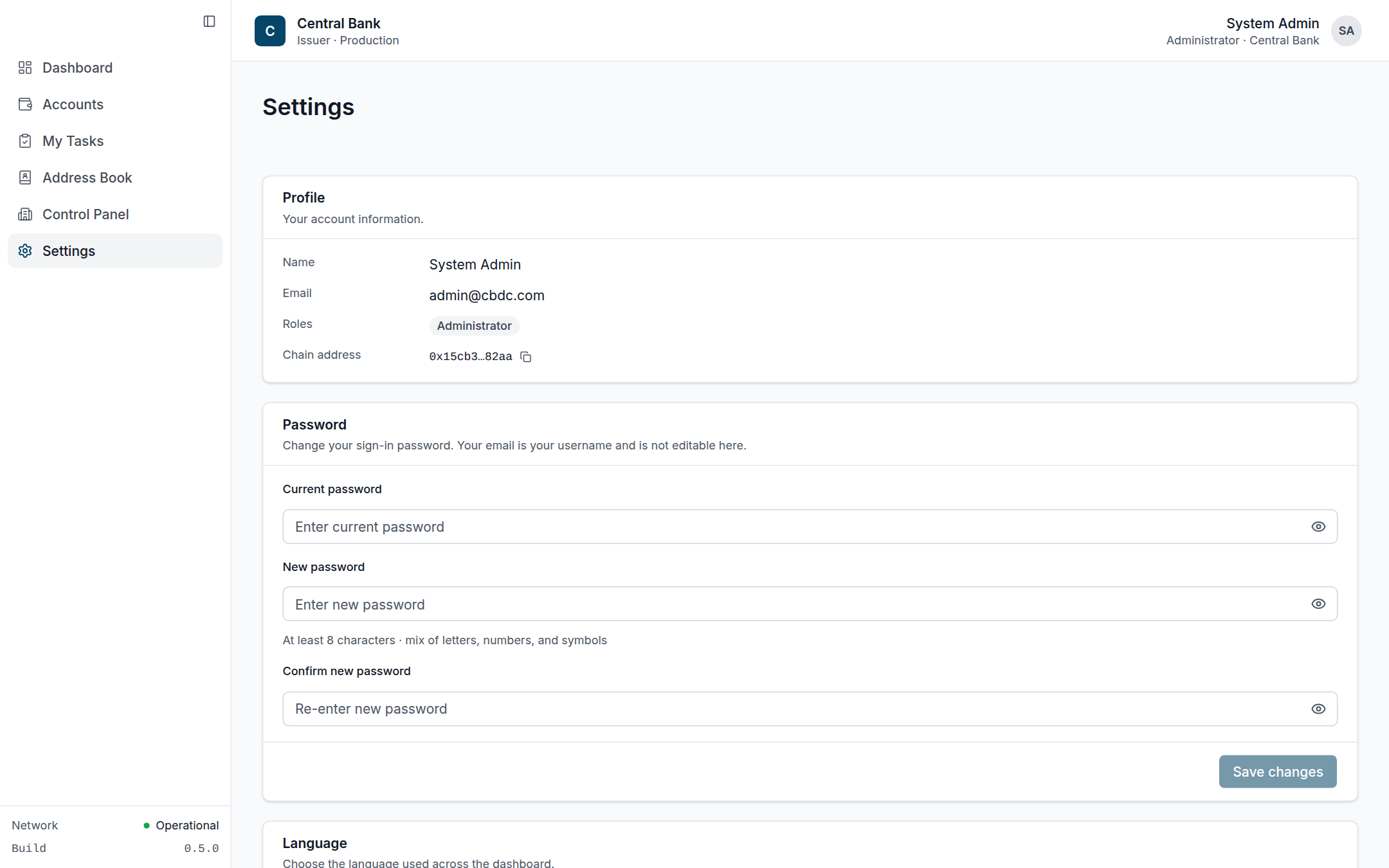 A user's own Settings: profile (name, email, role, derived chain address), self-service password change, and dashboard language — the same role string that drives the CASL abilities.
| Role | Summary |
|---|---|
| Administrator | Full access — manage internal users & invitations, tokens, organizations, chain RPC, whitelist, account membership; create proposals and vote. |
| Member | Operator — view accounts they belong to, create proposals and vote, manage the address book. No Control Panel. |
| Auditor | Read-only — full visibility (including the Control Panel and exports) but cannot create proposals, vote, or modify anything. |
Roles are one dimension; the user's organization type (Central vs Commercial) is the other. A Central-bank admin and a Commercial-bank admin share the
administratorrole but see different surfaces — see the Organizations material in the Features section. The precise route-by-route matrix lives in the Reference → Roles & Permissions page.
The exact CASL action/subject rules are documented in the Reference section; the dashboard hides UI a user can't use, but the API re-checks every permission server-side — the UI is never the security boundary.